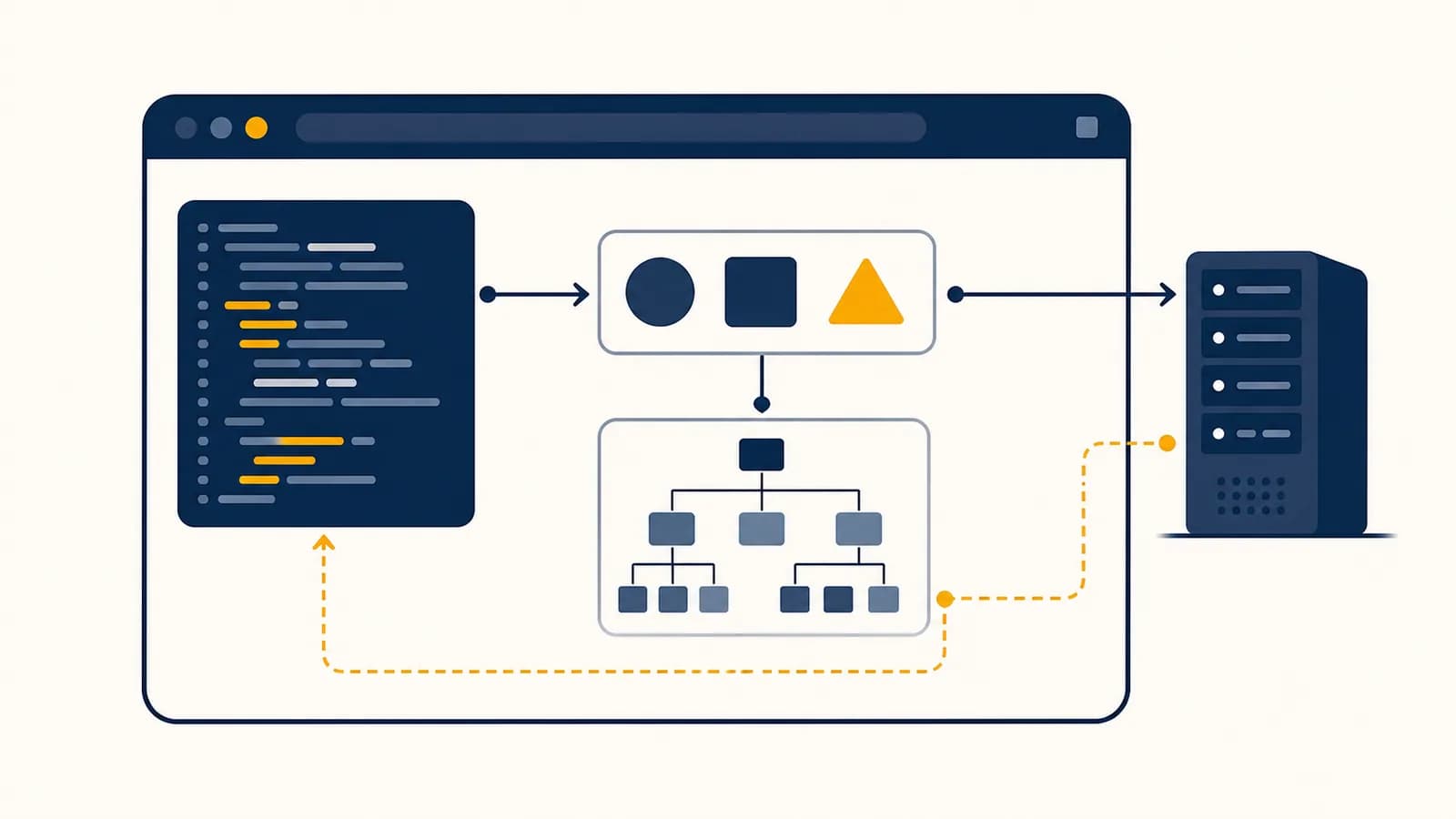
JavaScript is a programming language that makes software respond, calculate, communicate, and change, in the context of web browsers and many systems beyond them. A search for what JavaScript is, how JavaScript works, or what JavaScript is used for leads to the same central idea: it gives instructions to a software engine, often inside a browser. The language exists because a fixed page cannot react to a click, validate an entry, update a price, or request fresh data by itself. JavaScript supplies that behavior while working alongside the structure and appearance of a page.
What JavaScript actually is
JavaScript is a general-purpose, high-level programming language whose most familiar host is the web browser. It represents information as values, combines instructions into functions, chooses actions with conditions, repeats work with loops, and interacts with capabilities supplied by its host environment.
The language and its host are related but separate. JavaScript defines syntax such as const total = price * quantity, types such as numbers and strings, and rules for calling functions. A browser supplies the document, buttons, network access, timers, and storage. A server runtime can supply files, network sockets, and operating system information instead. The same language can therefore run in several places while gaining different powers in each one.
JavaScript began as a way to add behavior to web pages. Netscape introduced it in 1995, and Ecma International later standardized the language as ECMAScript in ECMA-262. ECMAScript is the specification: it describes what conforming implementations must do. JavaScript is the name used for the language in browsers, servers, courses, and job descriptions.
Values, expressions, objects, functions, errors, modules, and rules for executing code.
Browser features such as the DOM and fetch, or server features such as file and process access.
This distinction explains a common surprise. The function alert() usually works in a browser because the browser provides it. It is not a core part of JavaScript, so a server runtime does not have to provide it. By contrast, Array.prototype.map() belongs to the language and works in conforming JavaScript environments.
How JavaScript source code becomes an action
A JavaScript engine reads source text, checks its grammar, turns it into instructions the machine can execute, and runs those instructions in order. Modern engines also optimize frequently used paths, but every observable result must still follow the behavior defined by the language specification.
Suppose a page contains this code:
const price = 12;
const quantity = 3;
const total = price * quantity;
document.querySelector("#total").textContent = `$${total}`;
The parser recognizes declarations, numbers, multiplication, a method call, and an assignment. Execution creates three bindings named price, quantity, and total. The multiplication produces 36. The browser then finds the element whose identifier is total and replaces its text. The language performs the calculation; the browser's Document Object Model, usually called the DOM, supplies the page element.
An engine does not normally translate each source line directly into one fixed machine instruction. It can first produce an internal representation or bytecode, then compile active portions into faster machine code. Those engineering choices vary among engines. The required result does not: a multiplication must follow JavaScript's numeric rules, and property access must follow its object rules.
This engine work is mostly invisible, but it matters when code grows. Repeatedly changing object shapes, creating huge numbers of temporary values, or blocking execution with a long calculation can make an interface sluggish. Correctness comes first. Measurement with profiling tools should guide optimization, because guesses about an engine are often wrong.
How values, variables, functions, and control flow work
JavaScript stores typed values through named bindings, while functions package instructions and control flow chooses which instructions run. Operators produce values, assignments change bindings or objects, and scope limits access to names, letting programs calculate, decide, repeat work, and preserve temporary state.
The primitive types include numbers, big integers, strings, booleans, undefined, null, and symbols. Objects are the other broad category. Arrays, functions, dates, maps, and ordinary records are all objects, though each has specialized behavior. A value carries its type; a variable does not permanently own one type.
let status = "waiting";  // a string
status = true;           // now a boolean

const cart = { items: 2 };
cart.items = 3;          // allowed: the object changes
// cart = {};            // error: the const binding cannot change
let declares a binding that can be reassigned. const declares one that cannot be reassigned. Neither freezes an object. This is why cart.items = 3 is legal even though cart was declared with const. The binding still points to the same object; a property inside that object changed.
== can convert types before comparing them. Prefer === when different types should count as different values, as in 0 === false, which evaluates to false.
Numbers use the IEEE 754 double-precision floating-point format for ordinary numeric values. That format represents many fractions approximately, so 0.1 + 0.2 is not exactly 0.3. Money code often stores the smallest unit as an integer, such as cents, or uses a decimal library designed for financial arithmetic.
At 1,299 cents each and a quantity of 3, the program computes 3,897 cents, then formats it as $38.97.
Learning types is less about memorizing a list and more about predicting operations. The + operator adds two numbers but concatenates when a string is involved. Thus 2 + 3 produces 5, while "2" + 3 produces "23". Explicit conversion with Number() or String() makes intent visible.
Functions combine scope and control flow
Functions package instructions behind a name or value, control flow decides which instructions run, and scope determines which bindings each instruction can access. Together they let a program reuse logic, make decisions, repeat operations, and keep temporary data from leaking everywhere.
A function can receive inputs called parameters and return an output. Consider a ticket rule:
function ticketPrice(age, basePrice) {
  if (age < 16) {
    return basePrice * 0.75;
  }
  return basePrice;
}

const charged = ticketPrice(15, 20); // 15
Calling ticketPrice(15, 20) creates a new function scope. Inside it, age refers to 15 and basePrice refers to 20. The condition is true, so execution returns 15 immediately. The later return does not run. After the call ends, those parameter bindings are no longer accessible from outside.
Blocks formed by braces also create scope for let and const. This lets two parts of a program use the same short name without sharing one accidental global variable. Functions can also remember bindings from the surrounding scope. That feature, called a closure, is useful for private state and event handlers.
function makeCounter() {
  let count = 0;
  return function () {
    count += 1;
    return count;
  };
}

const next = makeCounter();
next(); // 1
next(); // 2
The returned function still has access to count after makeCounter has finished. It does not copy a frozen answer. It keeps access to the binding, so each call can update the same count. Broader ideas such as variables, loops, and decomposition are developed in the programming fundamentals behind variables and loops.
How JavaScript changes a browser page
Browser JavaScript changes a page through the DOM, an object representation of the loaded document. Code selects elements, reads or changes their properties, creates new nodes, and registers functions that the browser calls when events such as clicks or input occur.
Use a selector to obtain the object representing a button, form, heading, or other node.
Give the browser a function to call when a named event occurs.
Calculate the new value, then change DOM properties so the page presents it.
A small counter makes the chain visible:
const button = document.querySelector("#add");
const output = document.querySelector("#count");
let count = 0;

button.addEventListener("click", function () {
  count += 1;
  output.textContent = count;
});
The handler is not called when it is registered. The browser stores it. After a person clicks, the browser creates a click event and schedules the handler. The function increments program state, then writes the result to the document. This pattern appears in menus, search suggestions, form feedback, media controls, and drawing tools.
A train booking form needs a departure, destination, and travel date. JavaScript can detect an empty date before submission, show a specific message beside the field, and keep the person's other entries intact. The server must still validate the request because browser code can be changed or bypassed.
The DOM is not the page's HTML source text. It is a live tree of objects built after parsing. Code can add an item that never appeared in the original file. For the structural and visual layers that JavaScript usually changes, see how HTML and CSS construct a visible web page.
JavaScript versus HTML and CSS
HTML describes a page's content and structure, CSS controls its presentation, and JavaScript expresses behavior and changing state. They cooperate in a browser, but only JavaScript is a general-purpose programming language with variables, functions, branching, iteration, objects, and runtime errors.
| Technology | Main responsibility | Example |
|---|---|---|
| HTML | Meaning and structure | A button with the text “Save” |
| CSS | Layout and appearance | The button's color, spacing, and focus style |
| JavaScript | Behavior and changing data | Sending the saved value after a click |
The borders are not absolute. HTML provides built-in behavior for links and form controls. CSS can animate properties and respond to screen size. JavaScript can create HTML elements and change styles. Good web software still assigns work to the simplest suitable layer. A normal link should remain an HTML link, and a visual hover effect usually belongs in CSS.
Render a clickable generic box, then imitate keyboard behavior, focus, and activation with JavaScript.
Use an HTML button, style it with CSS, and attach JavaScript only for the application action.
The native approach starts with browser behavior already designed for keyboards and assistive technology. JavaScript then handles the part that genuinely depends on application state. This division also leaves useful content available if a script fails to load.
How asynchronous JavaScript works
Asynchronous JavaScript starts work whose result will arrive later, then lets other code run meanwhile. The host reports completion through a callback, promise, or event, and the event loop schedules the corresponding JavaScript continuation when the current call stack is clear.
Network requests illustrate the need. A browser cannot freeze every button and animation while waiting for a distant server. It starts the request through a host API and continues running available code. A promise represents the eventual success or failure. The await keyword pauses that async function, not the entire browser.
async function loadWeather() {
  const response = await fetch("/api/weather");
  if (!response.ok) {
    throw new Error(`Request failed: ${response.status}`);
  }
  const report = await response.json();
  return report.temperature;
}
fetch returns a promise immediately. When headers arrive, the first await allows loadWeather to continue with the response. Reading and parsing the body is also asynchronous, so the second await waits for that promise. A failed HTTP status does not automatically make fetch throw, which is why the code checks response.ok.
JavaScript execution on a page commonly uses one main thread. One long function can therefore delay clicks, painting, and scheduled callbacks. Splitting computation into smaller tasks can keep an interface responsive; web workers can perform suitable computation on another thread. Asynchronous does not automatically mean parallel. It means the program can make progress without waiting in place.
This model explains output that initially looks out of order. If synchronous code logs “A,” schedules a timer to log “B,” and then logs “C,” the visible order is A, C, B. The timer callback could not interrupt the function already on the stack.
How JavaScript shows up in real work
JavaScript appears wherever software needs interactive web interfaces, browser automation, server endpoints, command-line tools, or applications built with web technology. The daily work is less about isolated syntax and more about moving validated data between interfaces, business rules, storage, and network services.
Front-end developers turn state into interfaces
Front-end JavaScript reads application state and produces what a person can see and operate. In an online shop, state may include cart items, stock messages, and delivery choices. A developer connects buttons and forms to rules, keeps visible totals consistent, handles loading and failure, and tests keyboard use.
Back-end developers enforce rules on servers
A server written in JavaScript can receive an order, authenticate the account, validate each field, ask a database for inventory, and return a response. Server code cannot trust totals calculated in the browser. It recomputes protected values because a client request can be altered before it reaches the server.
Full-stack work joins both sides through an interface
The browser and server usually communicate through an application programming interface. The browser sends a request with a method, address, headers, and sometimes a body. The server sends a status, headers, and data. The mechanics behind that boundary are covered in how software exchanges requests and responses through APIs.
The grid describes a design relation, not an industry statistic. One piece of entered data can pass through more than one safeguard before it becomes an accepted record. Similar chains appear in appointment systems, learning platforms, newsroom graphics, bank dashboards, laboratory controls, and public service forms.
JavaScript also appears in testing. A test can open a page, fill a form, submit it, and check that the correct confirmation appears. Another test can call a pure pricing function with known inputs and compare the returned value with hand-calculated output. Computer Science gives names to the wider ideas underneath this work, including algorithms, data representation, networks, and software design.
Five mistakes people make with JavaScript
Most early JavaScript bugs come from a small set of mistaken models: confusing a value with its displayed text, treating asynchronous work as immediate, sharing mutable objects unknowingly, trusting browser input, or changing the page without accounting for people and states outside the happy path.
1. Treating form input as a number
Text fields return strings. If quantity.value is "2", then quantity.value + 1 produces "21". Convert deliberately, then check the result: const quantityNumber = Number(quantity.value). A conversion can produce NaN, so validity still needs testing.
2. Expecting an asynchronous result immediately
A promise is not the value it may eventually produce. Code that starts a request and reads the result on the next line ignores the delay. Put dependent work after await, in a promise reaction, or in a function called when completion is reported. Also handle rejection.
3. Copying an object reference instead of its contents
With const backup = settings, both names point to the same object. Changing backup.theme also changes the object observed through settings. A shallow spread such as {...settings} creates a new outer object, but nested objects remain shared unless copied too.
4. Trusting browser validation as a security boundary
Browser validation improves feedback but cannot protect a service. A person or program can send a request without using the page. Authorization, accepted ranges, ownership, and protected calculations must be checked on the server. The browser should never decide that a user may access another account's record.
5. Updating visible pixels while ignoring usable behavior
A custom menu may look open while focus remains behind it, leaving keyboard users unable to reach the choices. Interactive code must account for focus, labels, keyboard input, reduced motion preferences, loading, empty data, errors, and repeated actions. Correct appearance is only one observable result.
Read the first error, then reproduce it with the smallest input. A stack trace identifies where execution failed; a reduced case exposes the assumption that made it fail.
Useful debugging follows evidence. Inspect the actual value and its type, confirm which branch ran, look at the network request and response, and reduce the operation until the wrong step is visible. Logging can help, but a debugger also lets a developer pause execution and inspect bindings without changing program timing as much.
JavaScript versus Java
JavaScript and Java are distinct programming languages with different type systems, execution models, and common uses. Their similar names reflect 1990s naming and marketing history, not a parent-child relationship, and knowing one does not mean a program can run as the other.
JavaScript is dynamically typed, so a binding can refer to values of different types at different times. Java normally checks declared types before a program runs on the Java Virtual Machine. JavaScript uses prototype-based object inheritance; Java centers class declarations, though both languages now include class syntax. Their braces and some control-flow words look familiar, but their rules differ.
Commonly uses .js, runs in a JavaScript engine, and is native to web browsers.
Uses .java, is compiled to Java bytecode or native code, and does not run as browser JavaScript.
The right comparison is practical. If a website needs behavior in the browser, JavaScript is the language browsers directly support. Java is used in many server, desktop, and Android codebases. Teams sometimes use both, with JavaScript in the browser and Java behind a server API.
How JavaScript runs outside a browser
JavaScript runs outside a browser when a runtime embeds a JavaScript engine and supplies non-browser capabilities. Server runtimes can expose files, processes, network sockets, and package systems, allowing the language to power web services, build tools, scripts, and command-line programs.
Node.js is the best-known server-side JavaScript runtime. A Node program can listen for HTTP requests, read configuration, query a database through a library, or transform project files. It does not automatically have a browser document, so document.querySelector() is unavailable unless a library deliberately provides a document model.
const message = "inventory check complete";
console.log(message.toUpperCase());
This example needs no web page. The language supplies the string and its toUpperCase method; the runtime connects console.log to its output. The separation between language and host that matters in a browser matters here too.
Package managers let projects depend on reusable code, but each dependency adds code that can contain defects or receive updates. A responsible project records versions, reviews what it installs, removes unused packages, and tests after upgrades. On a work team, the surrounding tasks also include code review, version history, automated tests, deployment, and monitoring.
What JSON has to do with JavaScript
JSON is a language-independent text format for structured data whose notation was derived from JavaScript object syntax. JavaScript can parse JSON text into values and serialize suitable values back to text, but JSON is data, not executable JavaScript code.
{
  "station": "Central",
  "delayed": false,
  "minutes": 0
}
JSON requires double-quoted property names and strings. It supports objects, arrays, strings, numbers, booleans, and null. It does not directly represent functions, undefined, comments, dates, maps, or circular references. A date is often sent as a string and interpreted by an agreed convention.
JSON.parse(text) turns valid JSON text into JavaScript values. JSON.stringify(value) performs the reverse for supported data. Parsing untrusted JSON treats it as data; passing untrusted text to eval treats it as code and can execute commands. The parser is both clearer and safer for this job.
A transit server might return the object above as JSON. Browser JavaScript parses it, checks the fields, and updates a departure board. Another client written in a different language can parse the same response because JSON is not tied to a JavaScript engine.
Real services must define more than valid syntax. They specify which fields are required, which units a number uses, and what an absent value means. A response can be valid JSON and still be wrong for the application. Validation belongs at every boundary where outside data enters trusted logic.
JavaScript connects language rules to observable behavior
JavaScript turns data and rules into observable software behavior, while browsers and other hosts connect that behavior to documents, networks, files, and people. Learning it well means tracing exact values and events, then checking that the result remains correct under delay, failure, and unexpected input.
A useful practice is to choose one small interface and predict every step before running it. For a quantity box and total label, write down the input's type, the conversion, the arithmetic, the state change, and the DOM update. Then test an empty value, a decimal, a negative number, a fast double click, and a failed request.
This habit reaches beyond one language. It trains the central skill of programming: building a precise model, comparing it with what the machine actually did, and revising the model when evidence disagrees. Browser developer tools make the evidence available through the console, debugger, DOM inspector, performance tools, and network panel.
The takeaway: Write a ten-line interaction, predict its output, and inspect each value as it runs. Once the chain from event to state to display is clear, add one source of uncertainty, such as a network response, and trace that too.
JavaScript earns its place in programming because it exposes the full path between an instruction and a consequence people can see. Notice that path on the next page you use: an event occurs, code reads state, a rule chooses an action, and the host makes the result visible.