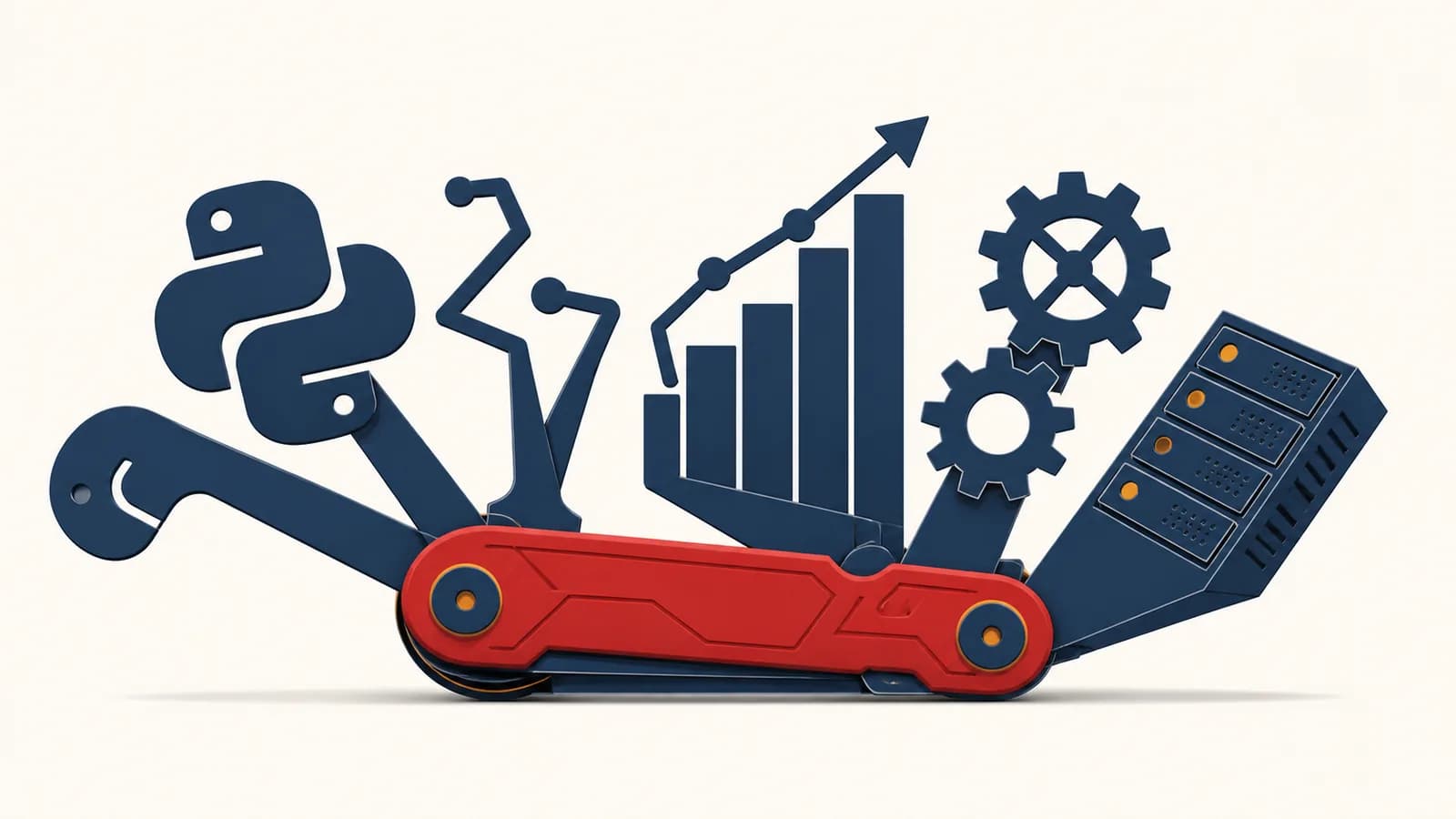
Python is a general-purpose programming language that turns readable instructions into actions, in the context of computer software and data processing. A Python program can automate files, analyze data, power a website, test hardware, or train a machine learning model. People searching for “what is Python,” “how Python works,” or “what Python is used for” are asking about the same tool: a language designed to let humans express procedures without managing every detail of the machine. Python exists because software is easier to build, inspect, and change when its source code resembles structured human thought.
What Python actually is
Python is a high-level language with a defined syntax, a standard library, and implementations that execute Python programs. It is called general-purpose because the language is not restricted to one job, operating system, industry, or type of computer.
A programming language is a system for writing precise instructions. Python supplies the grammar. An implementation, usually CPython, reads those instructions and makes the computer perform them. Libraries supply code that other programmers have already written, such as tools for reading CSV files, making web requests, calculating statistics, or drawing charts.
Python defines forms such as if, for, function calls, classes, and exceptions. A source file records these forms as text.
CPython, PyPy, and other implementations are programs that execute Python code. CPython is the reference implementation and the one most people encounter first.
The name “Python” can therefore mean two related things: the language specification and the software that runs programs written in that language. This distinction explains why a computer needs Python installed before it can run many .py files. The text file contains instructions, not a tiny self-contained machine.
Python is “high-level” because it hides many details that lower-level languages expose. A Python list can grow as values are added. A Python string knows its own length. Memory for ordinary objects is reclaimed automatically when the program no longer needs them. Those conveniences do not remove memory or processors. They place an interpreter between the programmer’s instructions and the hardware.
Readable does not mean vague. Python accepts compact code, but every colon, indentation level, name, and operator has a defined role. The computer still needs exact instructions.
The language belongs inside the broader study of computer systems, algorithms, data, and software in Computer Science. Learning its syntax is useful, but the larger skill is turning a goal into steps that a machine can carry out and a person can check.
How Python turns source code into work
A standard Python run moves through four linked stages: source text is parsed, valid instructions become bytecode, a virtual machine executes that bytecode, and operating system services handle concrete work such as opening files or sending network data.
Consider a file named total.py:
prices = [12, 8, 5]
total = sum(prices)
print(total)
First, Python reads characters and checks their structure. It recognizes assignments, a list literal, two function calls, and names such as prices. If a closing bracket is missing, parsing cannot finish, so execution never begins. This is a syntax error.
Next, CPython compiles the valid structure into bytecode, a compact instruction format for the Python virtual machine. Bytecode is lower-level than the source but is not generally raw processor code. The virtual machine steps through operations such as loading a name, building a list, calling a function, and storing a result.
During execution, sum visits the three numeric objects and produces the integer 25. Then print converts that object to displayable text and writes it to standard output. A terminal shows 25 because it is connected to that output stream.
This execution model also explains performance. Many Python operations involve a virtual machine, dynamically typed objects, and runtime checks. That overhead can make a tight numeric loop slower than equivalent compiled machine code. Libraries such as NumPy move repeated calculations into compiled routines, so Python can coordinate the job while optimized code performs the heavy arithmetic.
How names, objects, and types work
Python variables are names bound to objects, not boxes with permanent types. Objects carry their types and values, while names can later be rebound. Assignment changes a binding, and mutation changes an object that may have several names.
Run this example:
score = 10
score = "ten"
items = ["cable"]
backup = items
backup.append("adapter")
print(items)
The name score first refers to an integer object, then to a string object. Python permits the change because the name itself has no fixed declared type. This behavior is called dynamic typing. It does not mean values lack types. The integer and string follow different rules, and an invalid operation such as adding the string "ten" to the integer 1 raises a TypeError.
The list example exposes a different mechanism. Both items and backup refer to the same list. Calling append mutates that shared object, so printing items shows ['cable', 'adapter']. Assignment did not copy the list.
A checkout program keeps one list of basket items and passes it to a discount function. If that function removes an item, the caller sees the removal because both parts of the program hold references to the same list. Copying first produces a separate list when that is the intended behavior.
Some Python objects are mutable. Lists, dictionaries, and sets can change after creation. Others are immutable. Integers, strings, and tuples cannot change in place. Code that appears to modify a string actually creates another string and rebinds a name.
Types determine available operations. A list supports indexing and append. A dictionary maps keys to values. A file object supports reading and writing according to how it was opened. This is why understanding values and control flow matters more than memorizing punctuation. The sibling page on variables, loops, and machine-style problem solving builds those ideas without tying them only to Python.
How control flow and functions organize a program
Control flow decides which statement runs next, while functions package a named operation behind inputs and a return value. Conditions create branches, loops repeat work, and function calls move execution into reusable blocks before returning to the caller.
Function arguments are assigned to parameter names inside a new local scope.
Conditions and loops can change the path, skip statements, or repeat a block.
A return statement ends the call and sends an object back to the calling expression.
Here is a function that assigns a shipping category:
def shipping_band(weight):
    if weight < 0:
        raise ValueError("weight cannot be negative")
    if weight <= 2:
        return "small"
    if weight <= 10:
        return "standard"
    return "freight"

for parcel in [1.5, 7, 14]:
    print(shipping_band(parcel))
The for loop binds parcel to each value in sequence. Each call creates a local name called weight. Only one return path runs. The results are small, standard, and freight. A negative input does not fit the business rule, so the function raises an exception instead of quietly producing a misleading label.
For a list containing 3 parcel weights, the loop calls shipping_band 3 times.
Indentation is part of Python’s grammar. The indented lines after def, if, and for form blocks. That rule makes the visual structure match the executable structure. It also means an accidental indentation change can alter behavior or cause an error.
Good functions do one describable job, reveal required inputs, and produce a predictable result or a clear failure. They give a large program boundaries. A test can call shipping_band(7) directly, and another programmer can use the function without rereading its internal branches each time.
Python versus compiled languages
Python is commonly executed through an interpreter and virtual machine, while languages such as C are commonly compiled ahead of time into machine code. The real difference is an implementation pipeline, not a simple division between “interpreted” and “compiled” languages.
CPython compiles source to bytecode before interpreting that bytecode, so saying “Python is not compiled” is incomplete. Some Python tools also compile selected code further. Meanwhile, a language normally associated with compilation can be handled by an interpreter. Languages define programs; implementations choose execution strategies.
| Question | Typical CPython answer | Typical ahead-of-time C answer |
|---|---|---|
| When are many type checks made? | While the program runs | During compilation |
| What executes the program? | A Python virtual machine plus compiled library code | Native processor instructions |
| How is memory usually managed? | Automatically by the runtime | Explicitly by code and libraries |
| What is commonly optimized? | Development speed and readable coordination code | Control over resources and execution cost |
The tradeoff appears in a simple loop. Adding a million Python integers one by one requires repeated object handling and runtime dispatch. A compiled numeric routine can operate on a contiguous block of fixed-size values with far less per-item work. For many programs, database queries, network waits, or human interaction dominate the runtime, so this difference is unimportant. For scientific arrays or video processing, the difference may shape the design.
Python often serves as the control layer. A Python function can call a database engine, compression library, or numeric routine written in a compiled language. Ease of expression and fast execution can coexist in one program.
Choosing a language is therefore a design decision. Python suits automation, prototypes, data pipelines, teaching, web back ends, and systems where its libraries match the task. A lower-level language may suit firmware, operating system components, or loops that need tight control over memory and timing. Large products often use several languages at their natural boundaries.
How modules, packages, and environments work
A module is an importable unit of Python code, a package groups modules, and an environment determines which interpreter and installed packages a project uses. Together they let programs reuse code without copying every function into one file.
Suppose prices.py contains this function:
def add_tax(amount, rate):
    return amount * (1 + rate)
Another file can run from prices import add_tax. Python searches locations recorded in its import path, finds the module, executes its top-level code once for that process, and creates a module object. The imported name then refers to the function defined inside it.
A third-party package is a distribution of reusable code, commonly installed from the Python Package Index with pip. The package may depend on other packages. Those dependencies can require particular version ranges, which creates a practical problem: two projects on the same computer may need incompatible versions.
A virtual environment gives a project its own package installation location and interpreter entry points. Activating it adjusts shell settings so commands such as python and pip resolve to that environment. It does not create a virtual computer. It separates Python-level dependencies.
Projects also record dependency versions in files such as requirements.txt or pyproject.toml. Recording them makes a setup repeatable. The source history should record changes too, especially when a dependency update changes behavior and the team needs to identify the exact revision.
Third-party code deserves the same caution as any other software. Check the package name, source, maintenance state, license, and documentation. A misspelled installation command can fetch a different package, and an unreviewed dependency runs with the permissions of the Python process.
How Python shows up in real work
Python appears wherever people need to transform information or coordinate other systems. Its common roles include file automation, web servers, scientific analysis, testing, security tooling, hardware control, and machine learning, usually supported by task-specific libraries.
Automation turns a repeated procedure into a repeatable program
An office worker might receive hundreds of files whose names contain dates in inconsistent formats. A script can inspect each name, parse the date, rename valid files, and record failures for review. The same logic runs every time, so the rule is visible and corrections can be applied to the whole set.
A school administrator exports attendance as CSV. A Python script reads each row, checks that required fields exist, groups records by class, and writes a summary. The program does not decide why a student was absent. It removes repetitive sorting while leaving judgment with the administrator.
Safe automation begins with a dry run or test folder. Code that renames, overwrites, emails, or deletes can scale a mistake as efficiently as it scales correct work. Logs, backups, and input validation are part of the program, not optional decoration.
Web servers turn requests into responses
A Python web application waits for an HTTP request, matches its path to a function, checks inputs and permissions, talks to storage, and returns an HTTP response. The browser may display HTML, while a mobile app may receive JSON. Learning how software exchanges requests and responses through APIs makes this boundary concrete.
Frameworks such as Django, Flask, and FastAPI provide routing and other web machinery. They do not remove the need to validate input, protect secrets, control database access, or return useful errors. A framework supplies structure. The application still contains the policy.
Data work turns records into evidence
A researcher can load measurements, discard invalid records according to a documented rule, calculate summaries, and create plots. Each transformation can be preserved in code. That makes the analysis inspectable and repeatable, provided the inputs, environment, and assumptions are also recorded.
Python is also used to prepare data for machine learning libraries. The language may load images, label examples, choose model settings, and evaluate predictions while compiled code performs matrix operations. A model is not “Python thinking.” It is a mathematical system whose training and use are being coordinated by a Python program.
Testing turns expectations into executable checks
A test calls code with a known input and checks the result. For the shipping function, one test can assert that shipping_band(2) returns small, while another checks that a negative value raises ValueError. Tests protect boundaries, unusual cases, and earlier bug fixes.
Hardware teams use Python for test benches, manufacturing checks, and communication with instruments. Security analysts use it to parse logs and inspect traffic. Film and game studios use it to automate content pipelines. In each case, Python connects specialist systems with readable decision logic.
4 mistakes people make with Python
Most early Python failures come from an incorrect mental model, not obscure syntax. Four recurring mistakes are sharing mutable objects accidentally, ignoring failure cases, mixing environments, and writing a large script before checking smaller units of behavior.
1. Treating assignment as a copy
Writing b = a usually binds another name to the same object. If the object is a list and code mutates it through b, the change is visible through a. Use an appropriate copy when independent state is required, and remember that a shallow copy still shares nested objects.
2. Catching every exception and hiding the cause
A broad except: block can make a program appear to continue after a programming error, lost network connection, or invalid file. Catch the exceptions the code can actually handle. Preserve enough context to diagnose the rest. Silence is not recovery.
try: process(); except: pass discards the error and may leave incomplete output that looks successful.
Catch a specific exception, explain which input failed, and either supply a valid fallback or stop with a nonzero exit status.
3. Installing packages into the wrong interpreter
Several Python versions and environments can coexist. A successful installation does not prove that the program’s interpreter can import the package. Check the selected executable, use a project environment, and run package management through that interpreter when uncertain.
4. Debugging by changing many things at once
If five lines change before each run, the evidence becomes muddy. Reproduce the failure with the smallest input, read the final traceback line, inspect the values involved, and test one explanation at a time. A systematic account of finding what broke and testing a suspected cause applies across every programming language.
A traceback is evidence. Read it from the final exception upward. The last line names the error, and the preceding frames show the chain of calls that led there.
These mistakes become easier to spot when code is divided into functions with explicit inputs. Small units make object sharing visible, failures local, dependencies clear, and tests cheap to run.
What Python syntax should a beginner learn first?
A beginner should first learn values, names, collections, conditions, loops, functions, imports, and exceptions. These features are enough to build useful small programs and explain their behavior before classes, decorators, asynchronous code, or framework conventions enter the picture.
Start with expressions that produce values and statements that bind or act on them. Then learn lists and dictionaries because real programs usually handle collections of records rather than isolated numbers. Add branching for decisions and loops for repetition. Functions come next because they force a useful question: what information enters this operation, and what comes back?
Build something whose correct output you can inspect. A script that totals a receipt, checks a folder for duplicate names, or converts a plain text schedule into rows gives quick evidence. Run it with empty input, one normal item, several items, and a malformed item. Those cases teach more than copying a large application whose behavior is hidden by a framework.
Does Python work for websites, apps, and games?
Python can power website servers, desktop applications, utilities, and games, but it is not the native choice for every visible interface. The platform, performance needs, deployment method, and available libraries determine where Python fits in the finished system.
On a website, Python commonly runs on a server. It receives requests, enforces rules, reads databases, and returns data or generated HTML. Browsers do not normally execute Python source as their main scripting language. A web product may therefore use Python behind the network boundary and JavaScript in the browser.
Desktop interface toolkits and game libraries can create windows, controls, drawings, sound, and input handling. They are excellent for learning, internal tools, and some shipped products. Mobile distribution and graphics-intensive games often use ecosystems designed around those targets. Python can still prepare assets, run servers, or automate builds around them.
One product can contain several languages. A browser interface, Python service, SQL database, and compiled media library can each handle the part that suits it.
The useful question is not whether Python can possibly do a job. Ask what must run, on which machine, under what limits, and how it will be maintained. Those constraints turn a language preference into an engineering choice.
Is Python easy, slow, or safe?
Python is relatively approachable because its common syntax is compact, but real programming remains demanding. CPython can be slow for tight loops, and Python is only as safe as its inputs, dependencies, permissions, and design make it.
“Easy” describes the distance between an idea and a first working expression. It does not remove data modeling, testing, deployment, or maintenance. A ten-line script can damage files if its assumptions are wrong. A large Python service can require careful architecture and years of accumulated knowledge.
“Slow” needs a measured workload. A script that spends most of its time waiting for a network response may gain nothing from faster arithmetic. A numeric loop may gain a great deal by moving array work into a compiled library. Measure the actual bottleneck before rewriting it.
“Safe” has several meanings. Memory management prevents some errors common in manual memory code, but it does not validate an uploaded file, stop a leaked password, or make an untrusted package harmless. Use least-privilege accounts, keep secrets outside source files, validate at system boundaries, and avoid executing text as code.
The takeaway: Python reduces the amount of machinery needed to express a procedure. It does not reduce the need to understand the procedure, test its limits, or control what the program may touch.
Python makes computer science visible in working systems
Python exposes the main concerns of software clearly: values represent information, algorithms transform it, control flow orders the work, interfaces connect components, and tests compare behavior with expectations. A short program can make each concern observable rather than theoretical.
Take one repeated task you understand and write its rule in plain numbered steps. Identify the inputs, the output, and at least one invalid case. Translate each step into a small Python expression or function. Then run the program on examples whose answers you can calculate by hand.
As the program grows, notice where complexity enters. Shared mutable data creates hidden connections. External packages add capabilities and dependencies. Files and networks add failure modes. Faster algorithms change how the work scales. These are not side issues around Python. They are the substance of software design.
The Swiss Army knife comparison fits because Python carries many useful tools and accepts more through libraries. The better lesson is restraint: choose the tool that matches the job, understand what it does to the data, and leave evidence that the result is correct.