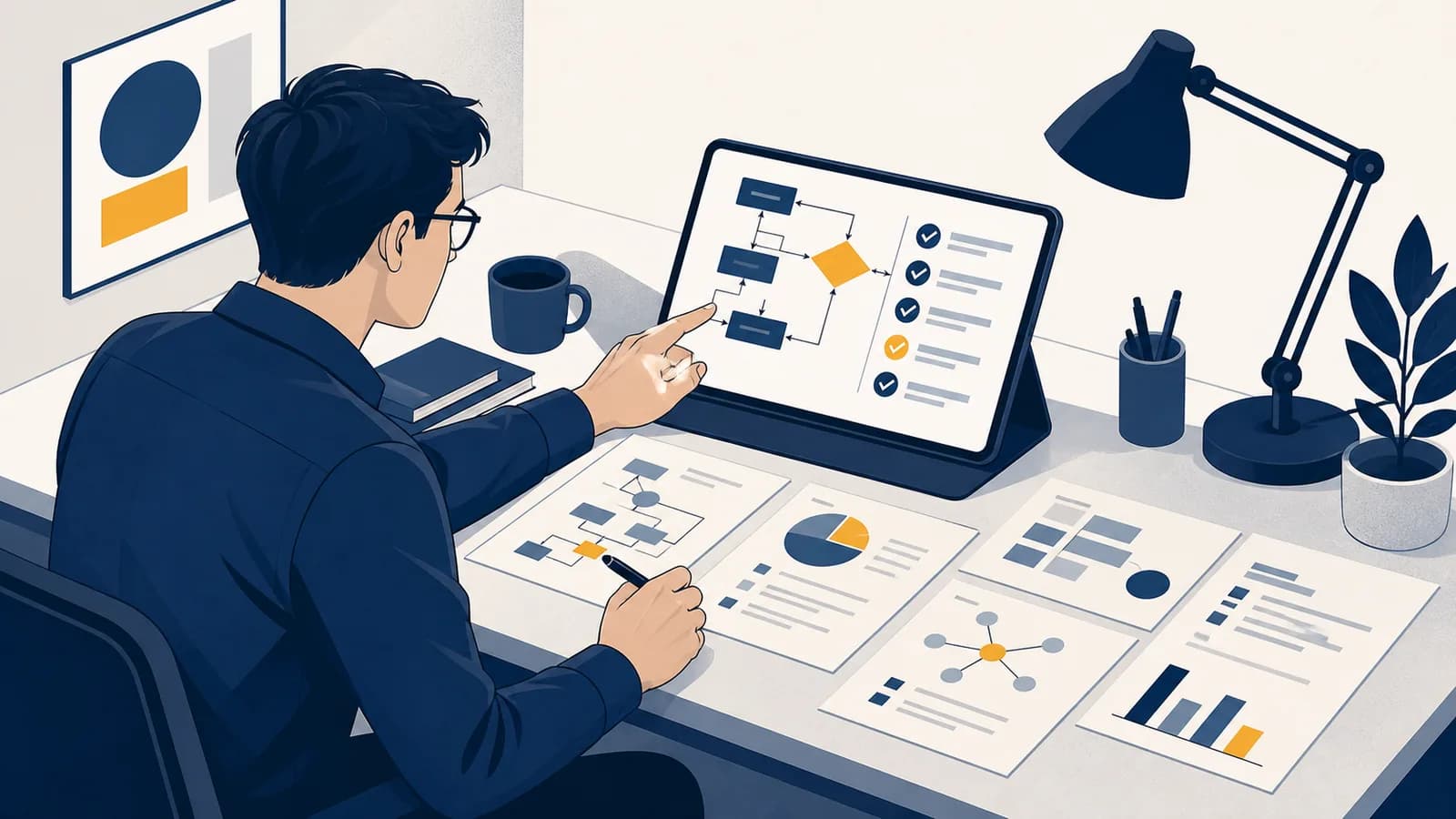
AI changes tasks before it changes job titles
AI is unlikely to replace every worker, but workers who use AI well can replace parts of the workload done by those who do not. The practical response is not panic or blind adoption. It is learning which tasks to automate, which decisions to keep, and how to check the result. By the end, you will have an AI work playbook for choosing tools, writing useful instructions, verifying output, and proving that your work became faster or better.
A job is a bundle of tasks, not one indivisible object. A teacher plans lessons, explains ideas, notices confusion, manages a room, marks work, and speaks with families. A junior analyst gathers figures, cleans a spreadsheet, builds a model, checks assumptions, and explains a recommendation. AI may help with some of those tasks while being unreliable, inappropriate, or simply useless for others.
This is why the slogan about someone using AI contains a useful warning but an incomplete forecast. Employers do not buy “AI use” by itself. They buy useful results: fewer errors, shorter waits, clearer decisions, safer processes, or better service. A worker who produces those results gains an advantage. A worker who merely produces more text may create extra checking for everyone else.
Use AI for everything, accept the first answer, and measure success by how much content appears.
Choose a bounded task, supply the right context, inspect the output, and measure the effect on a real result.
The second approach treats AI as part of a production system. It assigns responsibility clearly. The machine can draft, sort, transform, compare, or suggest. A person still owns the goal, the evidence, the decision, and the consequences.
What does an AI tool actually do?
A language model produces an output by estimating what text is likely to follow the input and context it receives. It can combine patterns learned during training, but a fluent answer is not proof that its facts, calculations, citations, or assumptions are correct.
That mechanism explains both the impressive parts and the failures. The model has encountered patterns connecting job descriptions with interview questions, code errors with common fixes, and meeting notes with action lists. It can reproduce and combine those patterns quickly. If the prompt leaves a gap, it may fill the gap with a plausible guess because producing plausible continuations is part of what it was built to do.
The word candidate matters. A generated answer is material for inspection, not an automatic conclusion. Search, calculators, code runners, databases, and company systems can be connected to a model, giving it access to more current or exact information. Those connections do not remove the need to check permissions, sources, and outputs. Learning how APIs connect software makes this tool chain much less mysterious.
Different products also expose different models, tools, privacy terms, and limits. A model that can read a document may still miss a clause. A coding assistant that can run a test may still write the wrong test. Capability should be demonstrated on the exact task, using the exact material and conditions that matter.
Which tasks are good candidates for AI?
Good candidates have a clear input, a recognizable output, and a cheap way to detect mistakes. Tasks become poor candidates when errors can harm people, source material is restricted, the goal is disputed, or nobody can reliably judge the answer.
Start by separating transformation from judgment. Turning rough notes into a structured agenda is transformation. Deciding which employee deserves promotion is judgment. Reformatting known facts into flashcards is transformation. Deciding whether a patient needs urgent treatment is judgment. AI can sometimes assist both, but the second category demands qualified oversight, traceable evidence, and accountability.
| Task feature | What it suggests | Example |
|---|---|---|
| Repeated format | Good for a first draft or transformation | Convert support notes into a standard summary |
| Clear reference answer | Good for assisted checking | Compare a product list with an approved catalogue |
| Hidden context | Supply context or keep the task human | Interpret a manager's ambiguous comment |
| Costly error | Require expert review or avoid automation | Approve a legal filing or medication dose |
A practical screening test uses four questions. Can you describe a correct output? Can you provide the necessary information legally and safely? Can someone detect a bad result before it causes harm? Is the time saved larger than the time spent prompting, checking, and repairing? A “no” does not ban the tool, but it moves the task away from automatic use.
You prepare a weekly stock report. AI can turn approved inventory data into a draft narrative and flag unusual changes. You still compare every claim with the source table, investigate the cause, and sign the final recommendation. The machine handles a repeatable transformation; you handle explanation and responsibility.
Look for small, reversible experiments first. Draft an internal outline before drafting a public statement. Summarize a document you already understand before summarizing an unfamiliar contract. Write code for a test environment before touching live customer data. Reversibility keeps the cost of learning under control.
The advantage comes from a skill stack, not prompt tricks
Useful AI work combines subject knowledge, clear instructions, tool knowledge, verification, and communication. Prompt wording helps, but it cannot replace knowing what the task requires, recognizing a false answer, or explaining why the finished result deserves trust.
Subject knowledge gives you standards. A designer sees a layout that breaks accessibility rules. An accountant notices that two categories were counted twice. A mechanic hears an unsafe diagnostic suggestion. Without such knowledge, a polished output can pass unnoticed even when its reasoning is wrong.
Technical foundations widen the range of work you can inspect. Basic knowledge of lists, trees, and maps helps you understand how information is organized before you ask a system to transform it. Broader computer science foundations help you reason about programs, data, networks, and the limits of automation.
State who will use the output, what decision it supports, and what a correct result must contain.
Give the relevant facts, examples, constraints, and source material. Remove secrets and unrelated data.
Ask for a table, checklist, calculation, or cited comparison that makes errors easier to find.
Compare claims with sources, run code, check edge cases, and get expert review where the risk demands it.
Keep the useful prompt, input version, corrections, and measured outcome so the process can improve.
Communication closes the loop. If another person cannot see which parts came from approved sources, which parts were generated, and which checks were performed, they cannot judge the work efficiently. A good handoff reduces uncertainty instead of hiding it behind polished prose.
Never paste restricted information into a tool by habit. Check the organization's policy, the product's data terms, and the permission attached to the material before uploading customer records, private messages, source code, or unpublished work.
This habit is part of professional competence. Security and privacy are not settings to consider after a workflow succeeds. They determine which inputs may enter the workflow at all.
How do you build a repeatable AI workflow?
A repeatable workflow turns one lucky chat into a process that another person can inspect and run. It fixes the input, success criteria, checks, and stopping conditions, while leaving room for human judgment where cases differ.
Begin with a task card. Name the trigger, such as “a customer call has ended.” List permitted inputs, such as the transcript and account notes. Define the output schema: problem, evidence, promised action, owner, and due date. Then write rejection rules. A summary is rejected if it invents a promise, lacks an owner, or contains unsupported personal data.
Use examples to show boundaries. One accepted example can reveal the desired detail and tone. A rejected example is often even more useful because it shows a tempting mistake. For repeated work, keep these examples beside the instructions rather than trusting people to remember them.
Input: approved meeting transcript. Output: decisions and assigned actions only. Reject if: an action lacks an owner or the text adds a deadline not stated in the meeting. Human check: compare each item with its exact passage before sending.
Version the process. Save the prompt, examples, test cases, and changes with a short reason. The same discipline taught in version control for preserving work lets a team identify which instruction produced an error and restore a known working version.
Set a stopping condition too. Endless prompt editing can cost more time than doing the task directly. If the tool fails a required check after a defined number of attempts, route the work to a person and record the failure. The record may show that the task needs better source data, a smaller scope, or no AI at all.
How should you verify an answer?
Verification means testing each important claim with evidence independent of the generated wording. The right check depends on the output: inspect a cited source, recalculate a number, run a test, compare with an approved record, or ask a qualified person.
Start with the parts most likely to cause harm. Names, dates, totals, quoted words, legal requirements, safety instructions, and claims about people deserve direct checks. A summary also needs a completeness check: it can contain no false sentence and still fail by omitting the condition that changes the decision.
If manual work takes 50 minutes, setup takes 8, review takes 12, and repair takes 5, the visible saving is minutes.
Measure the whole system, not the generation step. A draft that appears in seconds may require a long review. The formula also exposes an important improvement path: a clearer input may reduce repair time, while a better checklist may reduce review time without lowering the standard.
Do not let the model grade itself as the only check. It can critique a draft and catch some mistakes, but the critique comes from a related mechanism and may repeat the same false assumption. Independent evidence is stronger: the original document, an executed test, a calculator, an authoritative rule, or a competent reviewer.
What should you learn and practise now?
Choose one recurring, low-risk task and improve it through repeated trials. Keep the goal narrow, preserve examples, count correction time, and collect evidence of quality. This creates a real work sample instead of a vague claim that you are “good at AI.”
A useful practice cycle can fit around school or work. First, map the task without AI and notice where time goes. Next, ask the tool to assist one stage. Then compare the result against your prewritten criteria. Finally, change one instruction or input and repeat. Small controlled changes teach more than switching tools after every disappointing answer.
Keep a short evidence log. Record the task, tool, permitted input, check performed, correction made, and net time. If you are building a portfolio, remove private material and show the reasoning: the initial process, the failure you found, the revision, and the final test. Employers can evaluate that evidence more easily than a list of tool names.
Practise the human parts alongside the machine parts. Read original sources. Estimate an answer before calculating it. Explain a choice to someone who disagrees. Learn enough of the field to recognize when the output violates a basic rule. AI changes the price of producing a draft; it does not make judgment, trust, or responsibility free.
Proof of good work will outlast any AI tool
Tools, interfaces, and model names will change, but verified results remain valuable. The durable playbook is simple: understand the work, assign the machine a bounded role, protect the inputs, test the output, and show what improved.
Someone using AI carelessly is not automatically ahead of you. They may create faster mistakes, expose data, or produce work nobody can defend. Someone who combines AI with real subject knowledge and disciplined checking is harder to compete with because the advantage appears in the result, not in the claim.
The takeaway: Do not aim to become the person who uses AI most. Become the person who can choose the right task, build a safe process, catch the failure, and prove the value.
Start with one task you already understand. Write down what “good” means before opening a tool. Keep the first experiment reversible, inspect every important claim, and calculate the full cost of review. That is how AI use becomes dependable work, and dependable work is what other people can trust.